Dikhta hai, toh bharosa hai.If you can see it, you can trust it.
Find verifiedpeople foryour home.
See their real work, collect ideas and shop for your home. Our team checks every professional before they appear on Tatva.
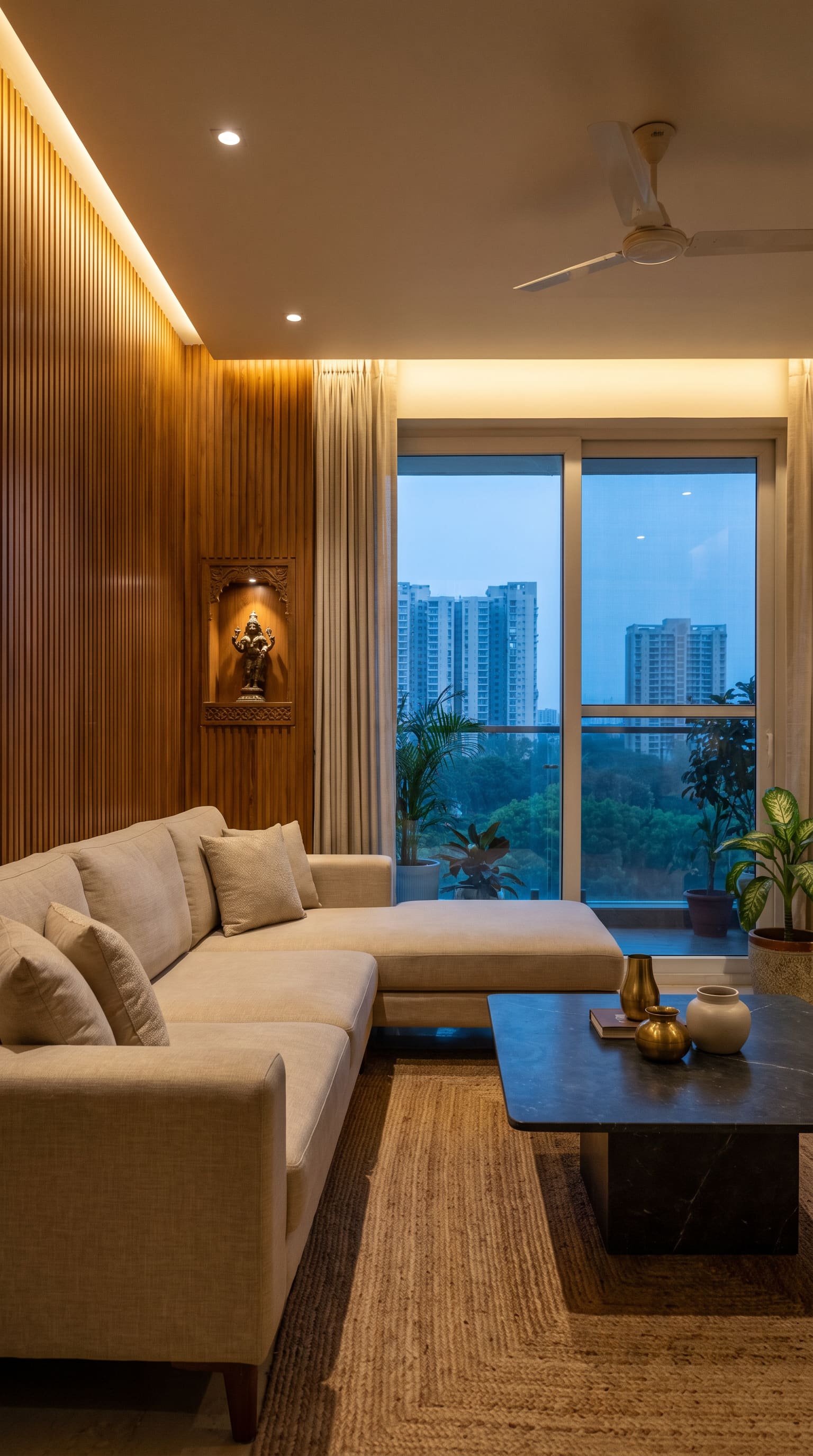
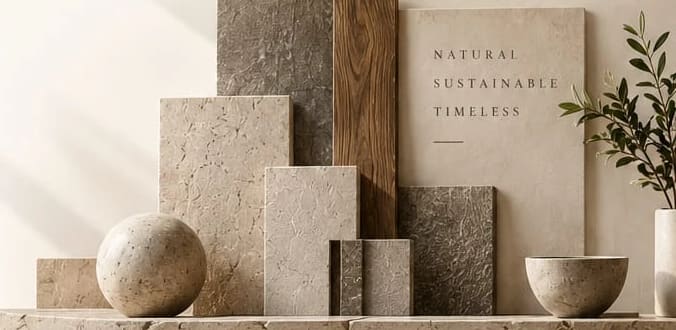
- Fluted wood wall
- Linen sofa
- Jute rug
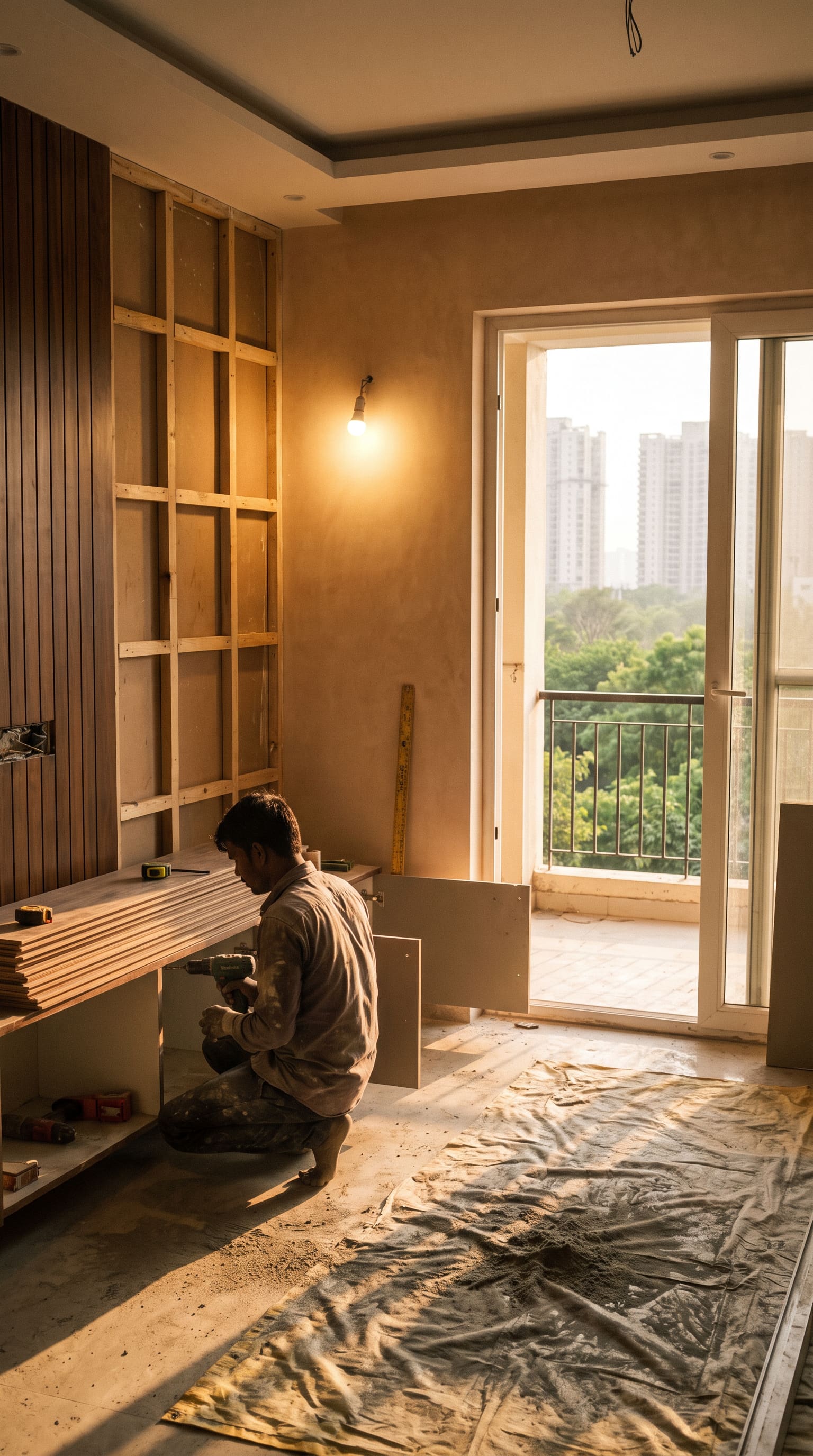
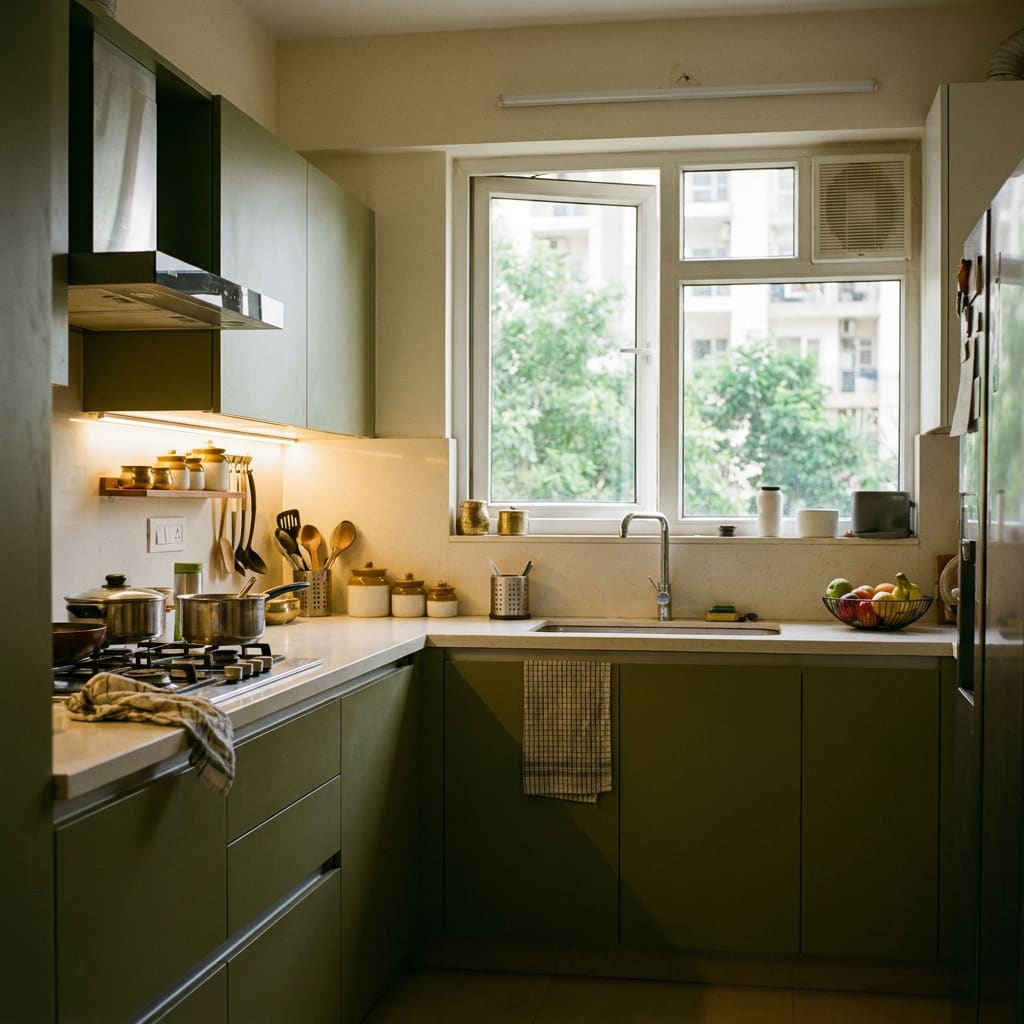
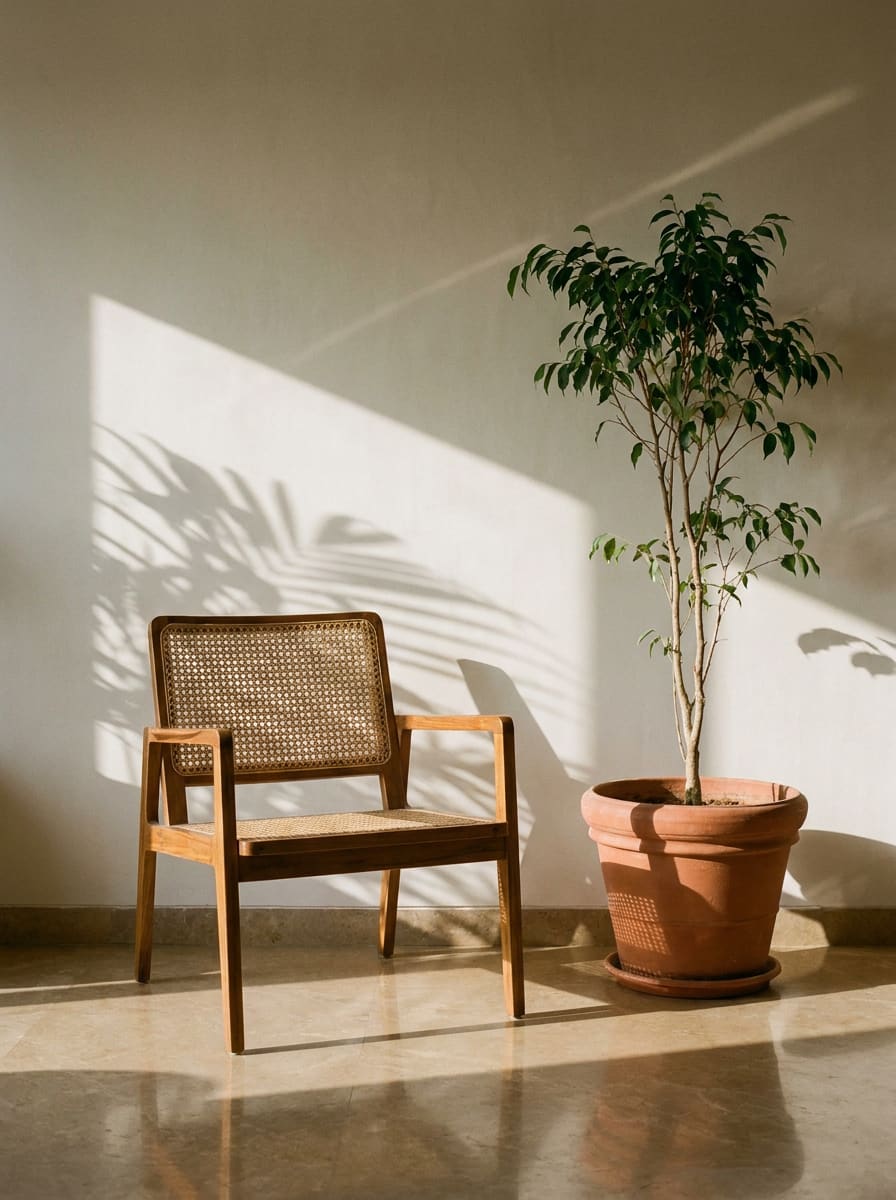
Photographs from the Tatva library.
Coming soon to iPhone and Android
In the app
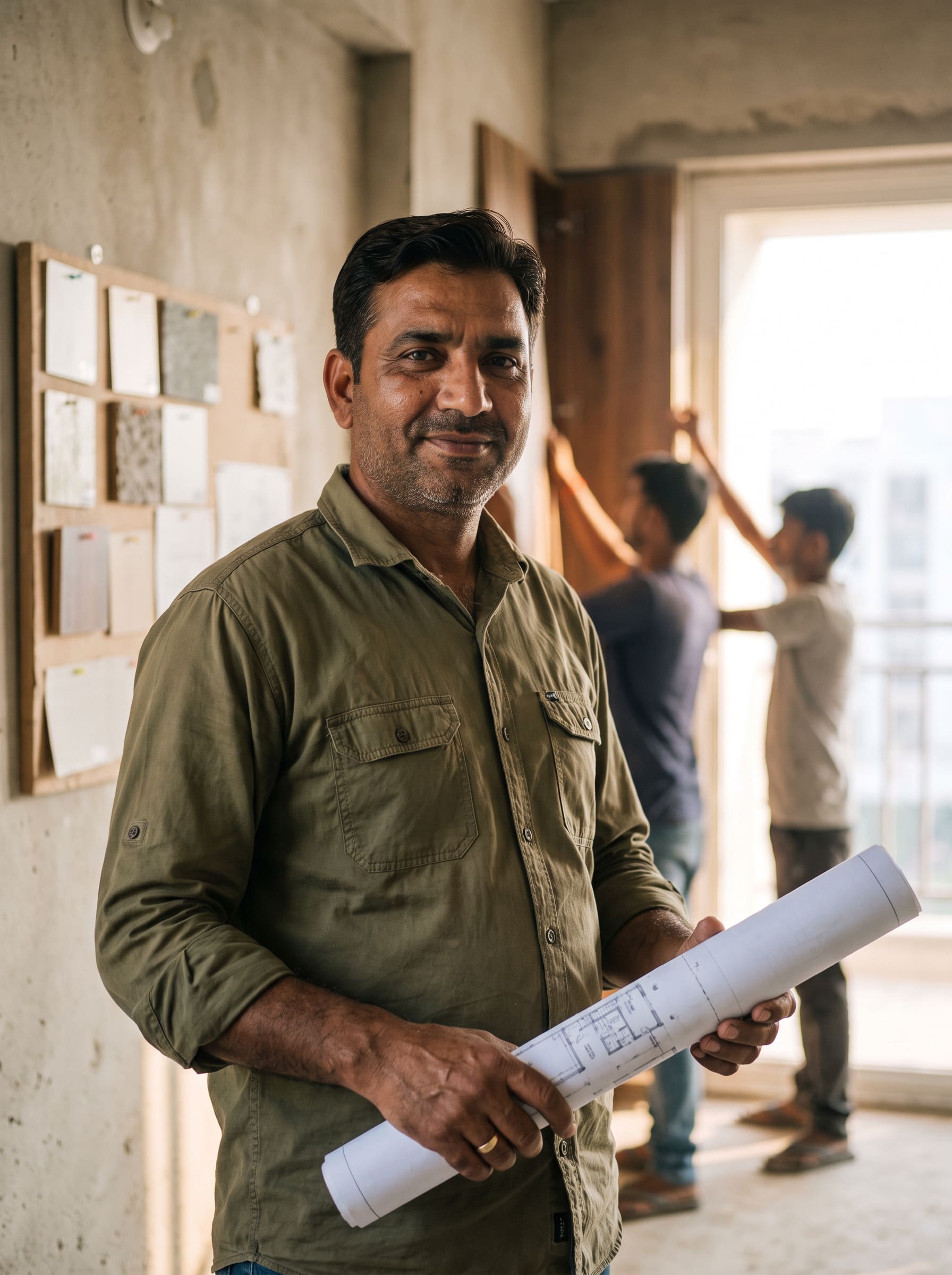
Professionals
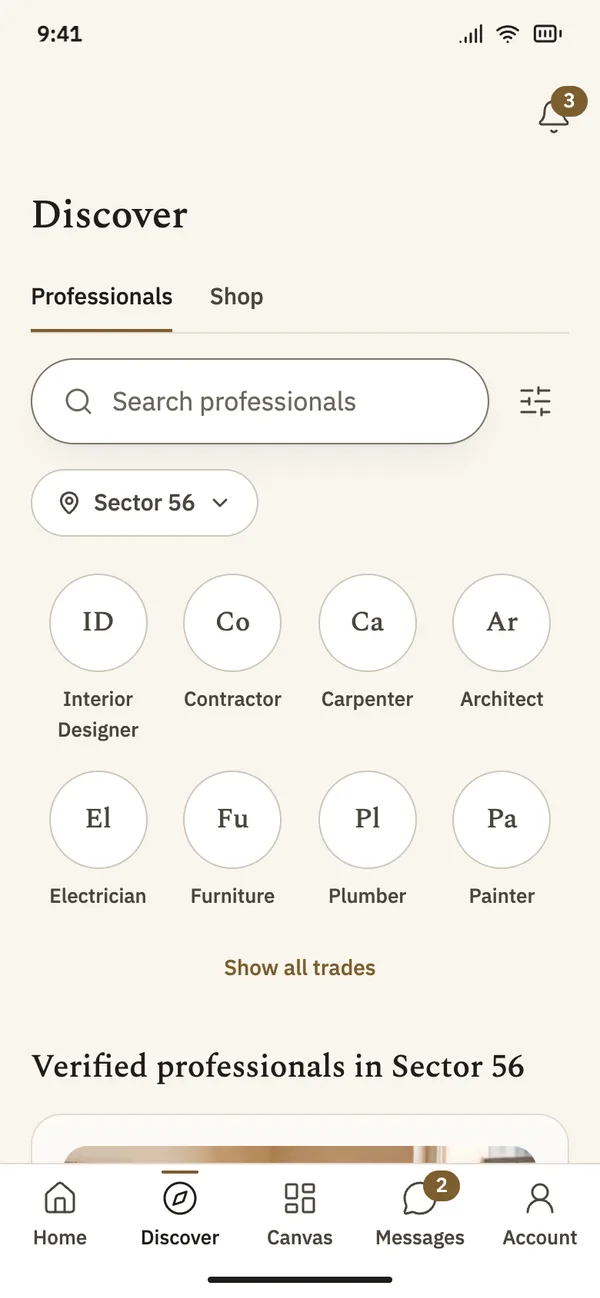
See who you are hiring before you message them.
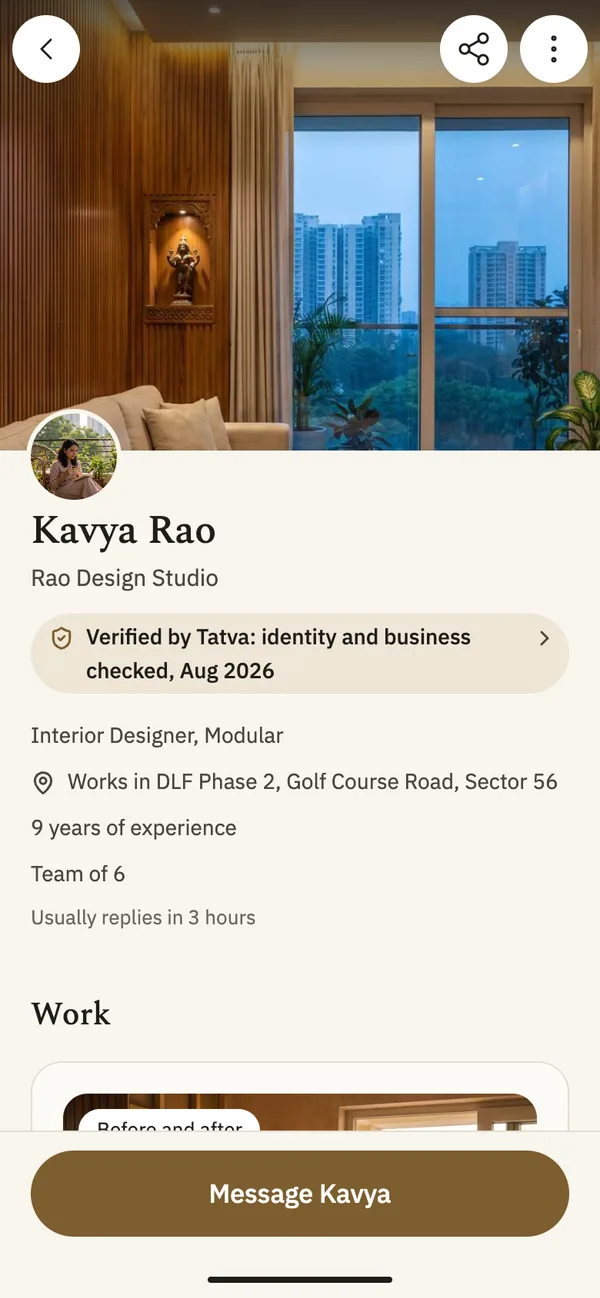
Every professional on Tatva has a profile with their real work, the areas they serve and what our team checked. You choose who to talk to.
Checked before they appear
Our team checks identity and business before a profile goes live. The profile says what was checked, and when.
Their real work
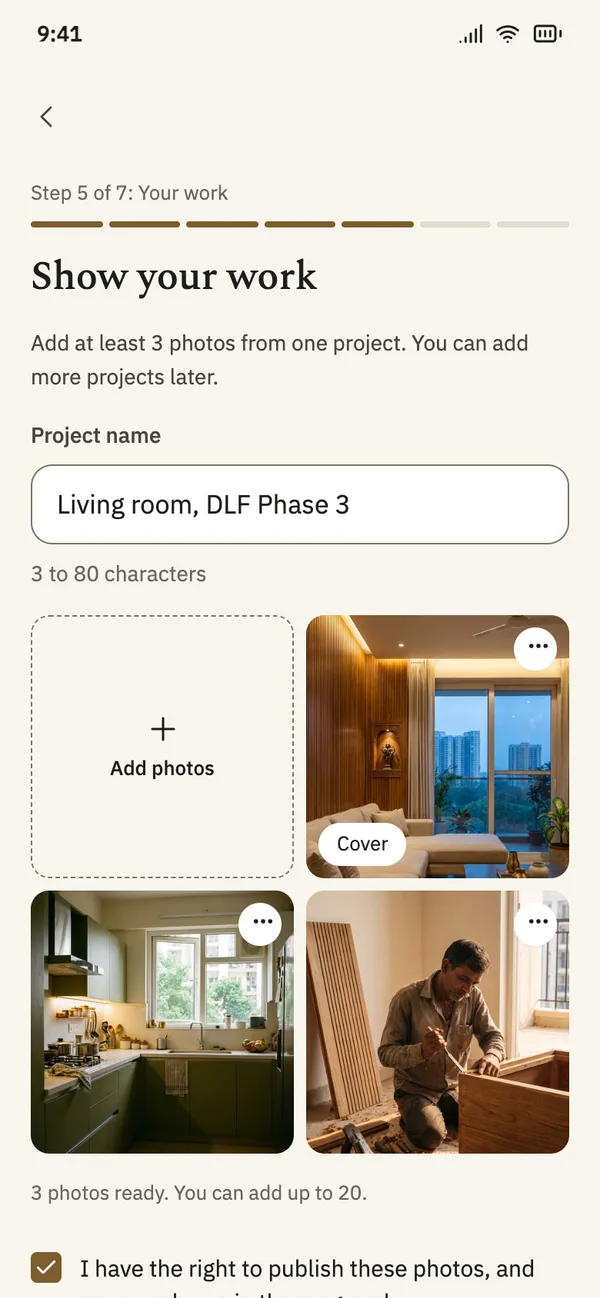
Photos of finished rooms, posted by the professional who did the work.
Near you
Filter by trade and by the area you live in.
Message them in the app
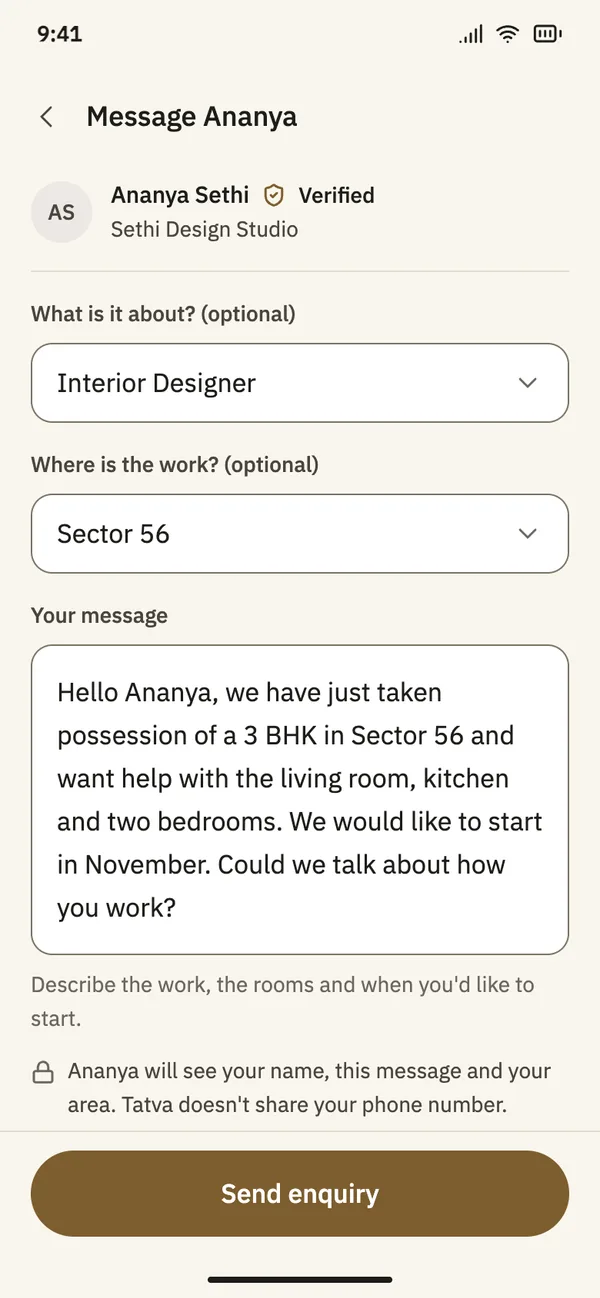
Send an enquiry from a profile. Your phone number stays private.
Canvas
Ideas from real homes, not stock photos.
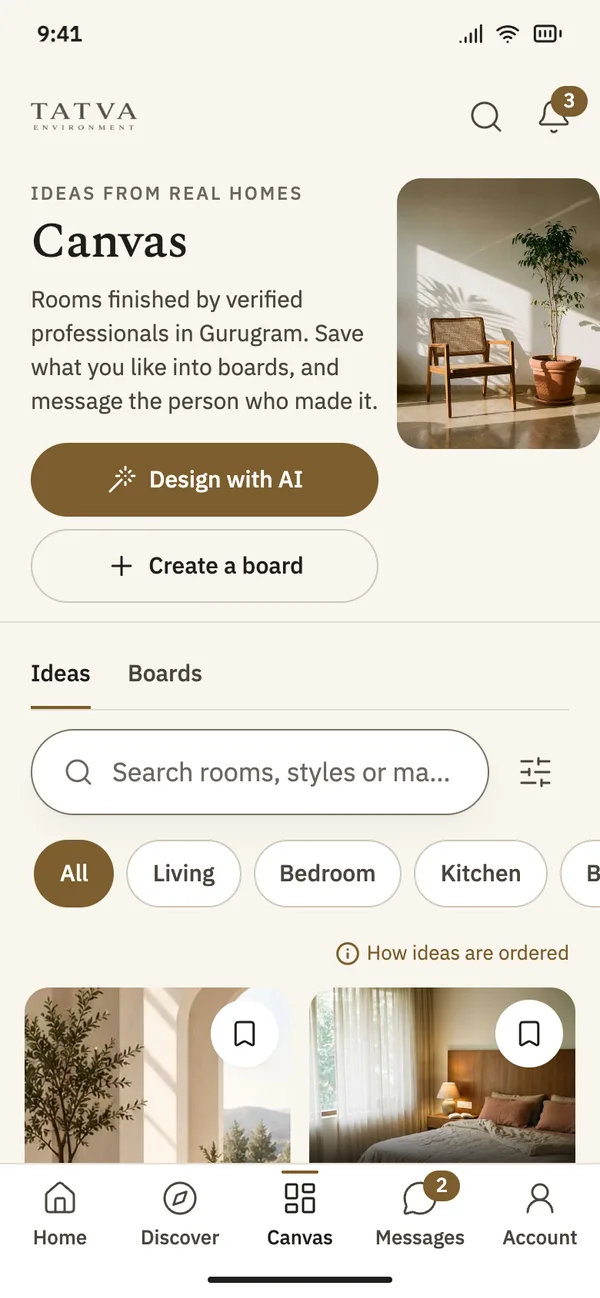
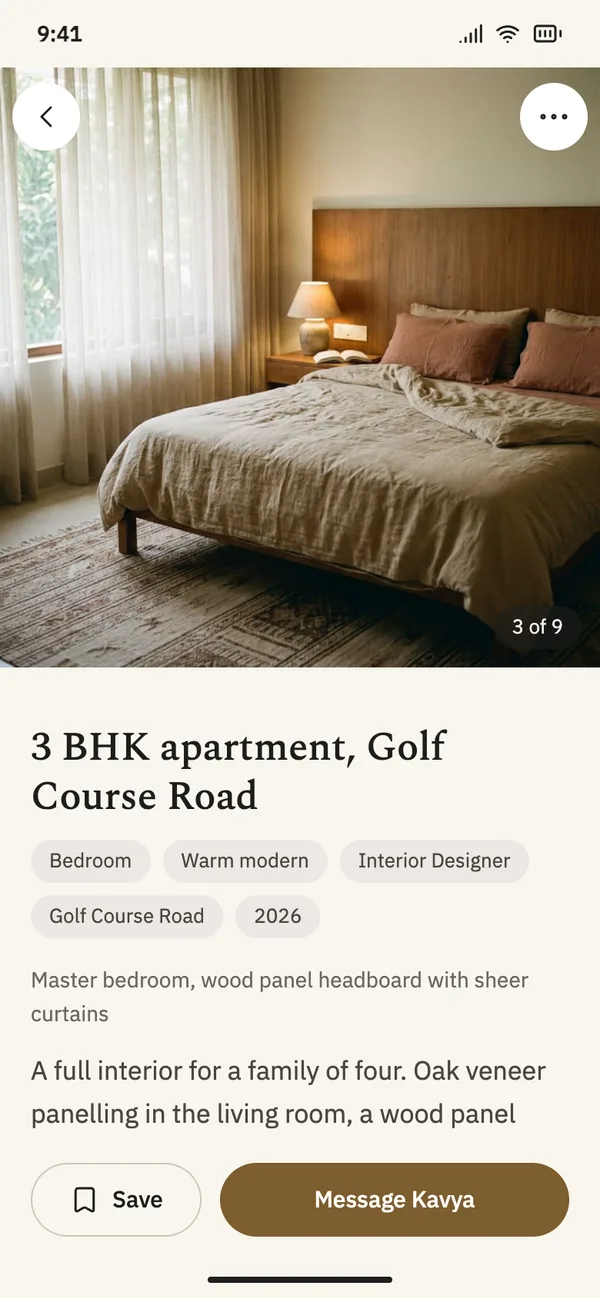
Canvas is a feed of rooms finished by verified professionals in Gurugram. Filter by room and style, then open any photo to see the project and the person who made it.
Real rooms only
Every idea comes from a verified professional’s portfolio.
Search the way you talk
Type “warm modern living room” and Canvas turns it into filters you can change.
More like this
Each idea shows similar rooms, matched on room, style and colour, with a note on how they were chosen.
An order you can read
Canvas shows how ideas are ordered, and you decide whether your preferences shape the feed.
- Living
- Kitchen
- Living
- Bedroom
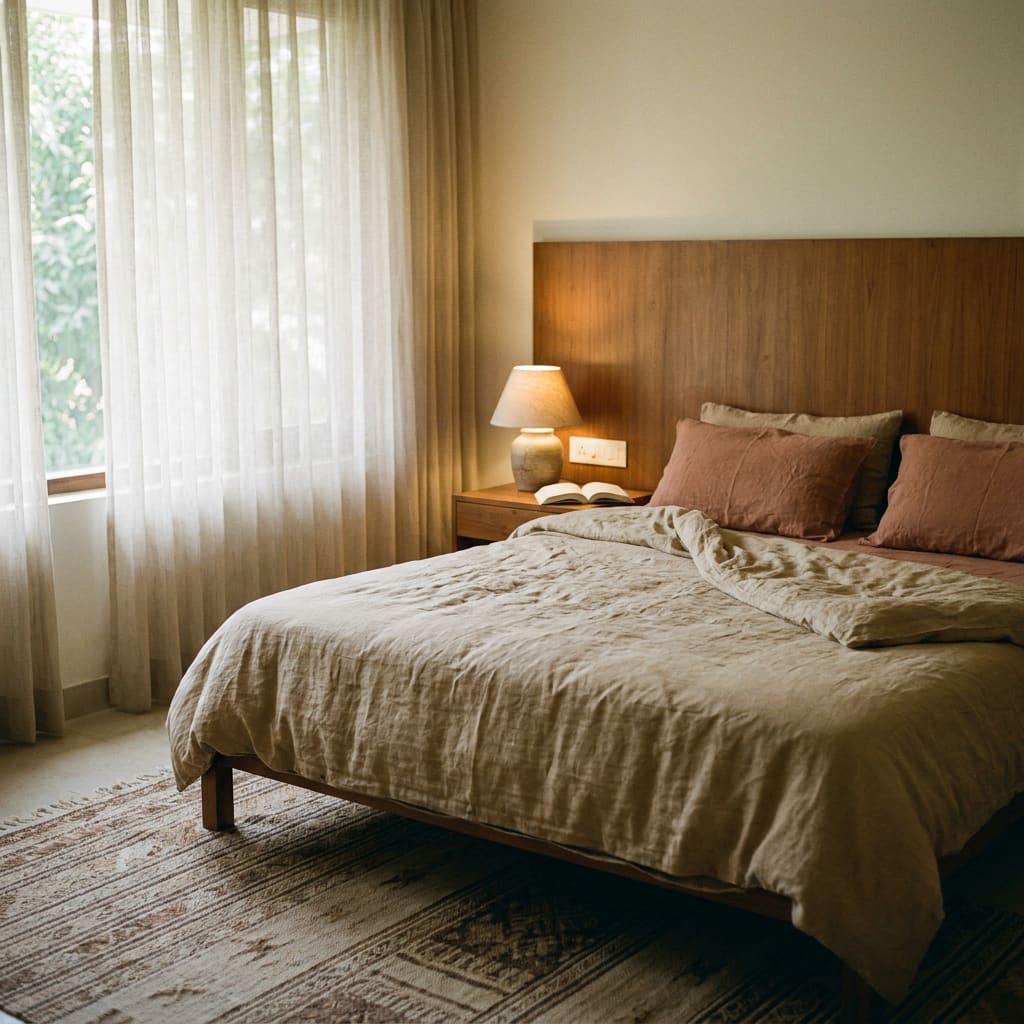
- Dining
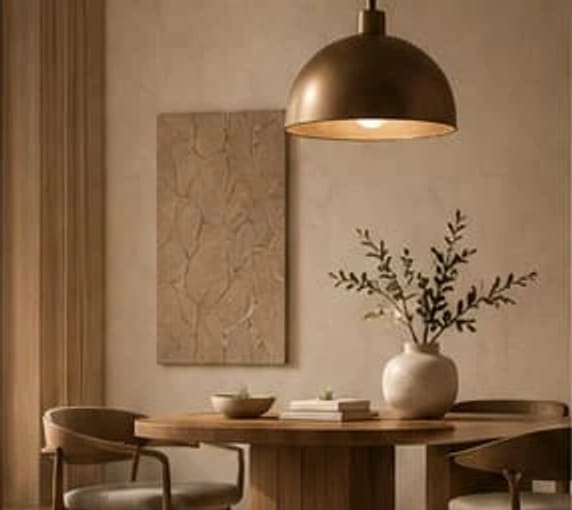
- Bathroom
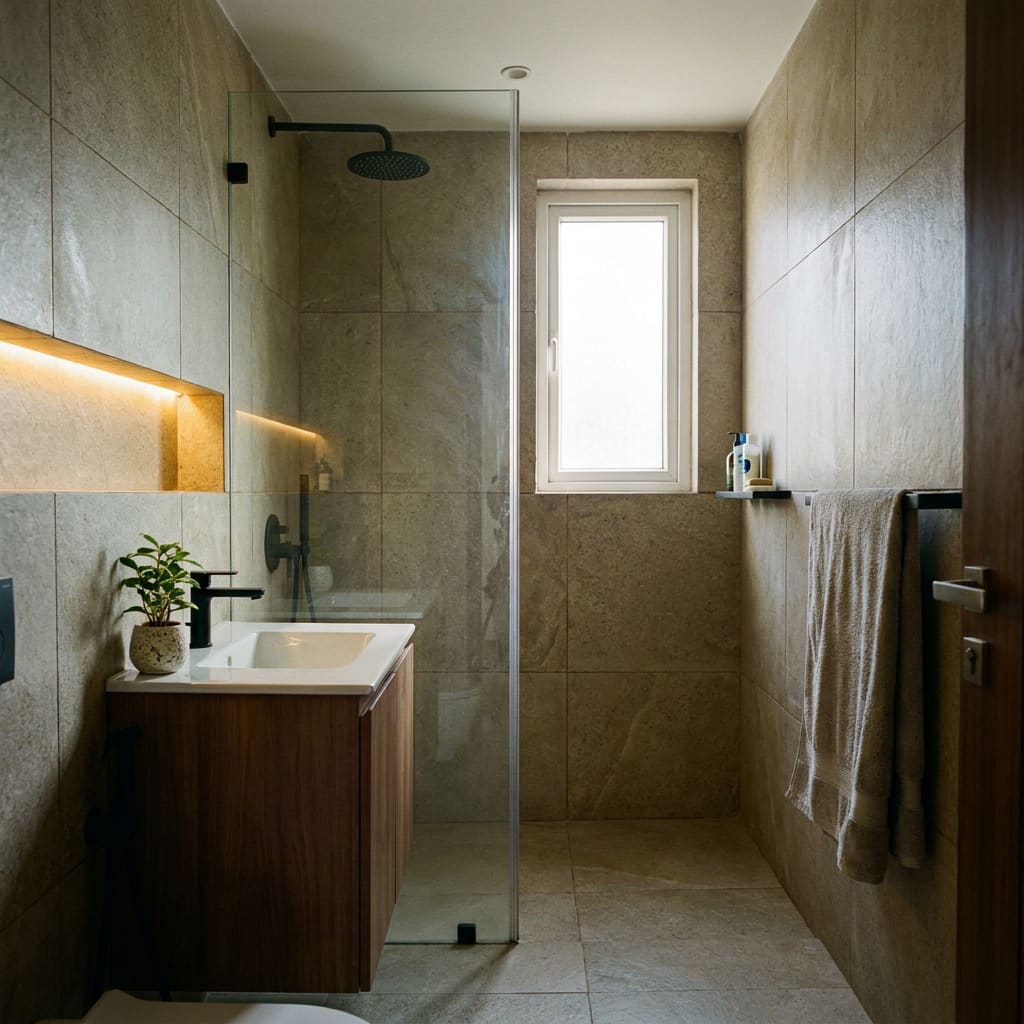
- Living
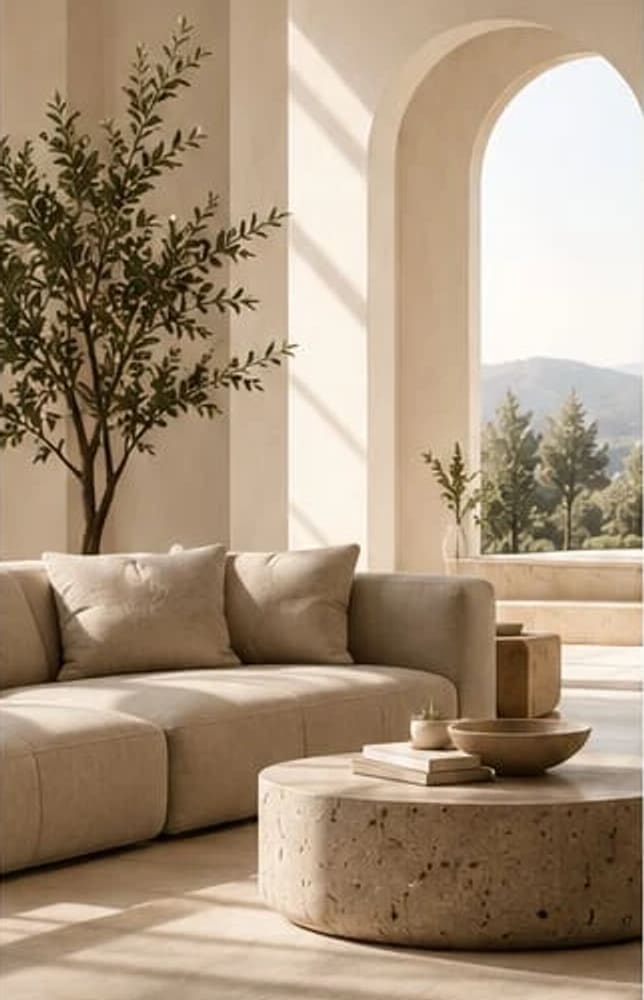
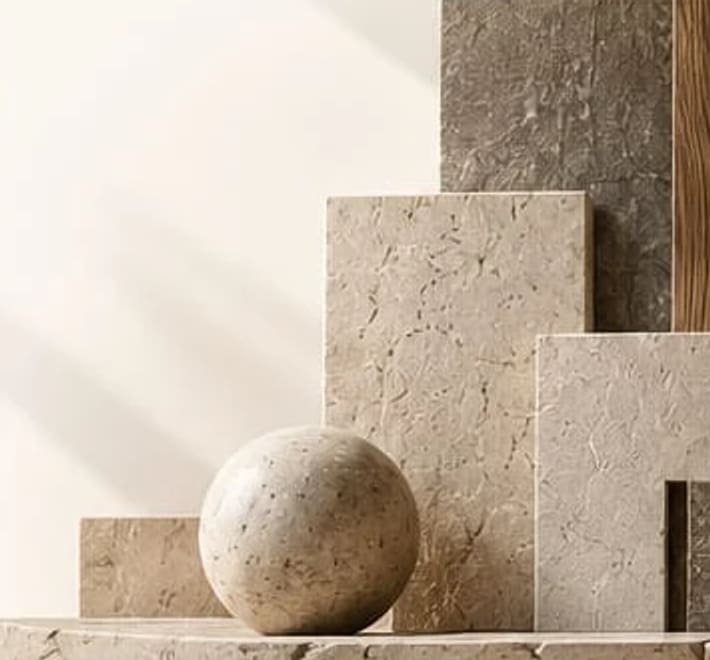
- Materials
Boards
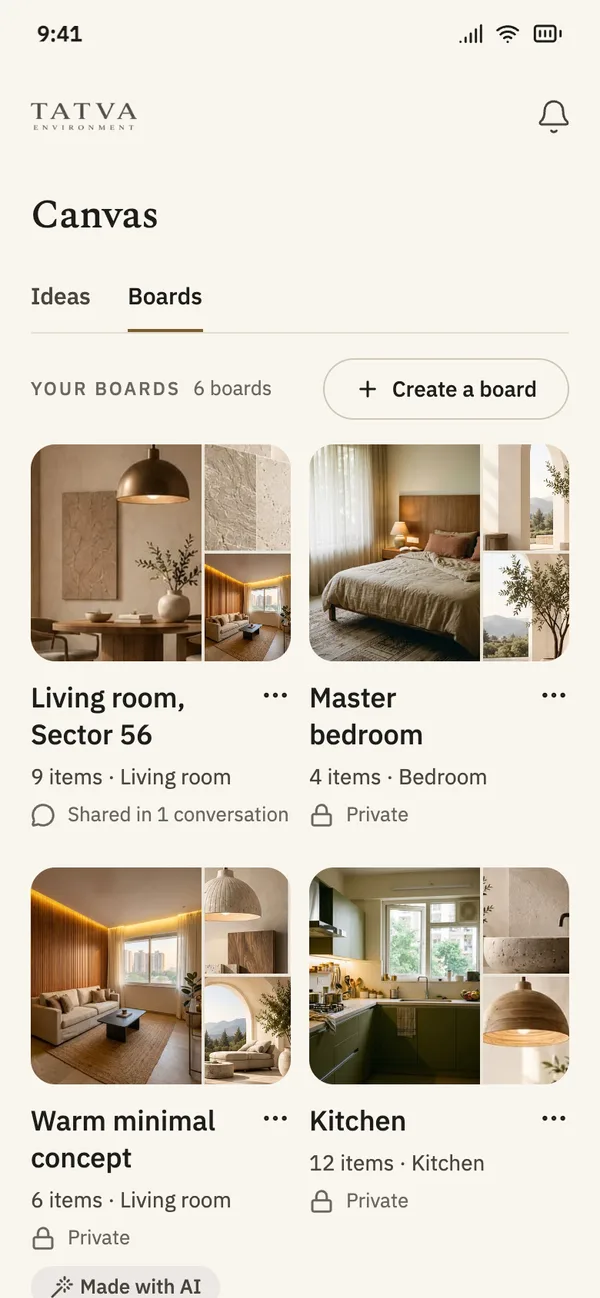
Save ideas into boards, then share them with the person doing the work.
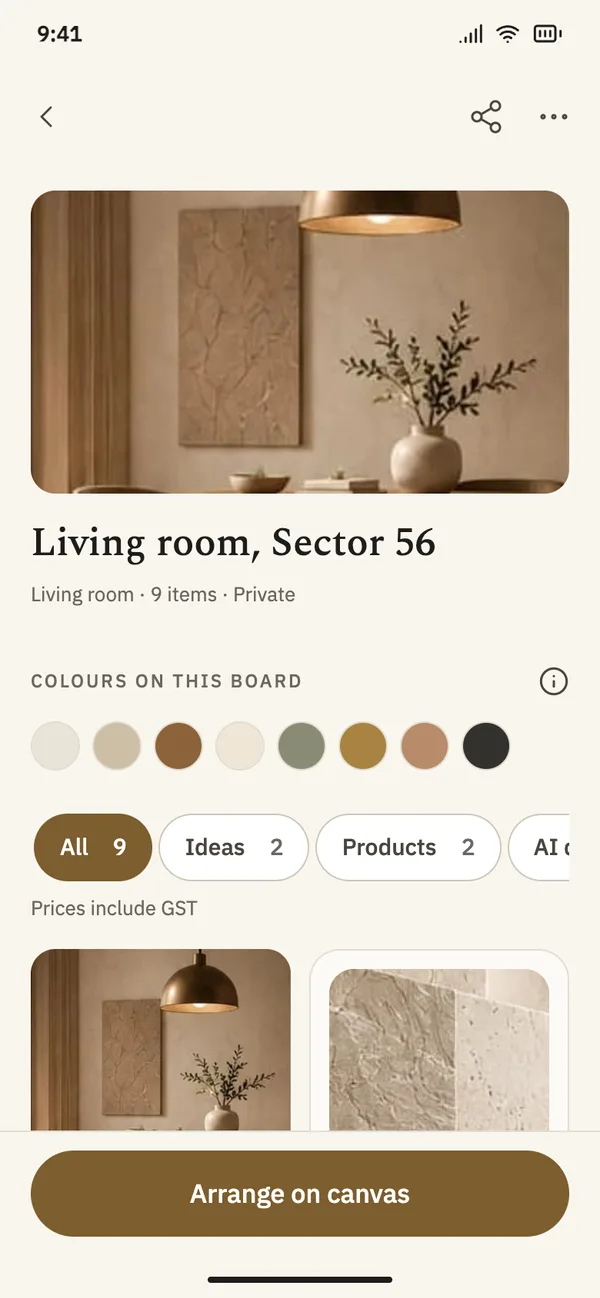
Make a board for each room and add ideas, products and notes. A board stays private until you share it in a conversation.
Save from anywhere
Tap the bookmark on any idea and pick a board, or start a new one.
See the colours
Each board shows the colours running through what you saved.
Private by default
Nobody sees a board unless you share it.
Share in a conversation
Send a board to a professional, and stop sharing whenever you like.
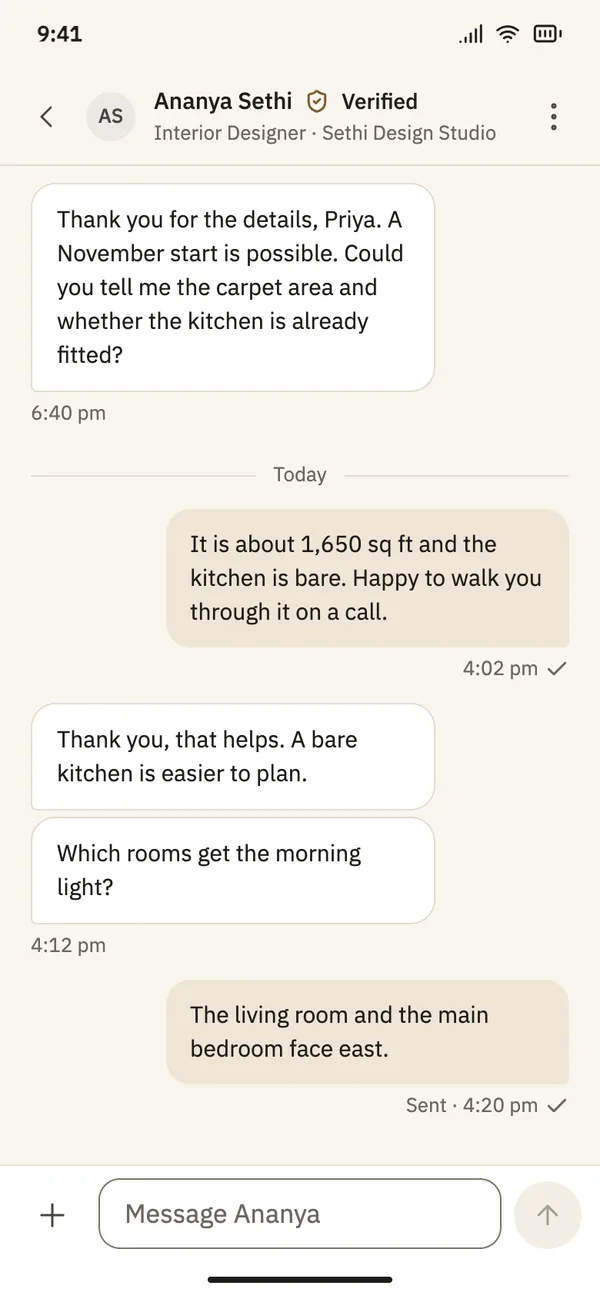
Messages
Talk to professionals without giving out your number.
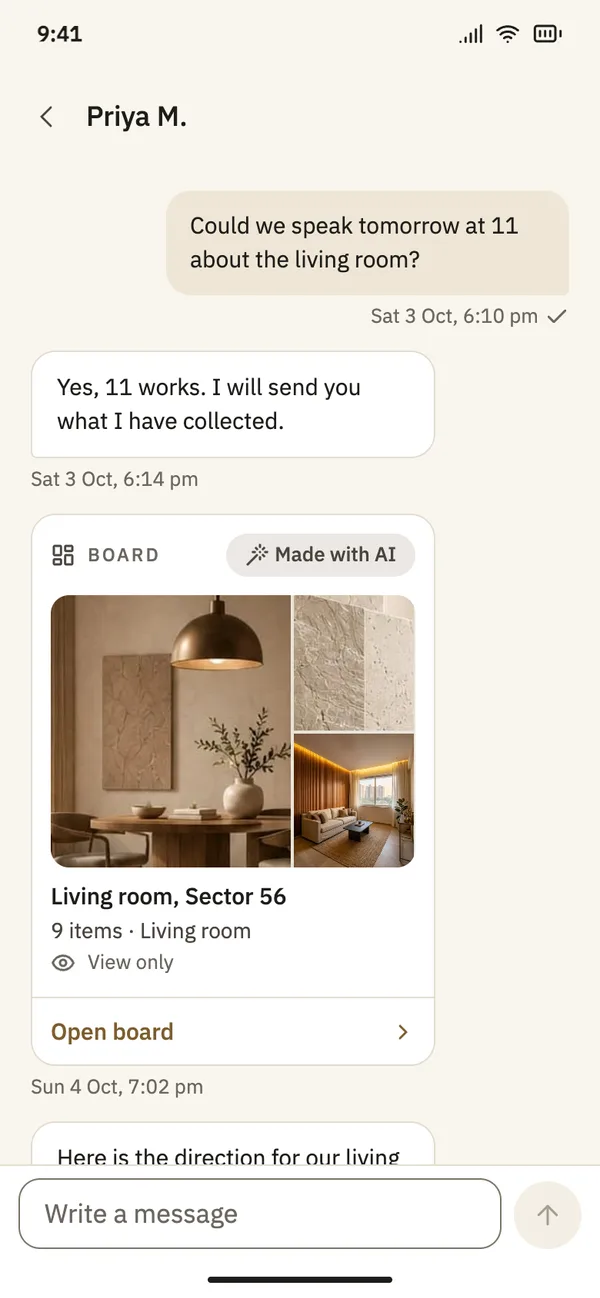
Send an enquiry from a profile or from an idea. The conversation stays in the app, with boards and photos in the same thread.
Your number stays private
The professional sees your name, your message and your area. Tatva does not share your phone number.
Know when they reply
Turn on notifications and the app tells you when a professional writes back.
Report or block
If something is wrong, report the message or block the person.
Boards in the thread
Share a board so the professional sees exactly what you have in mind.
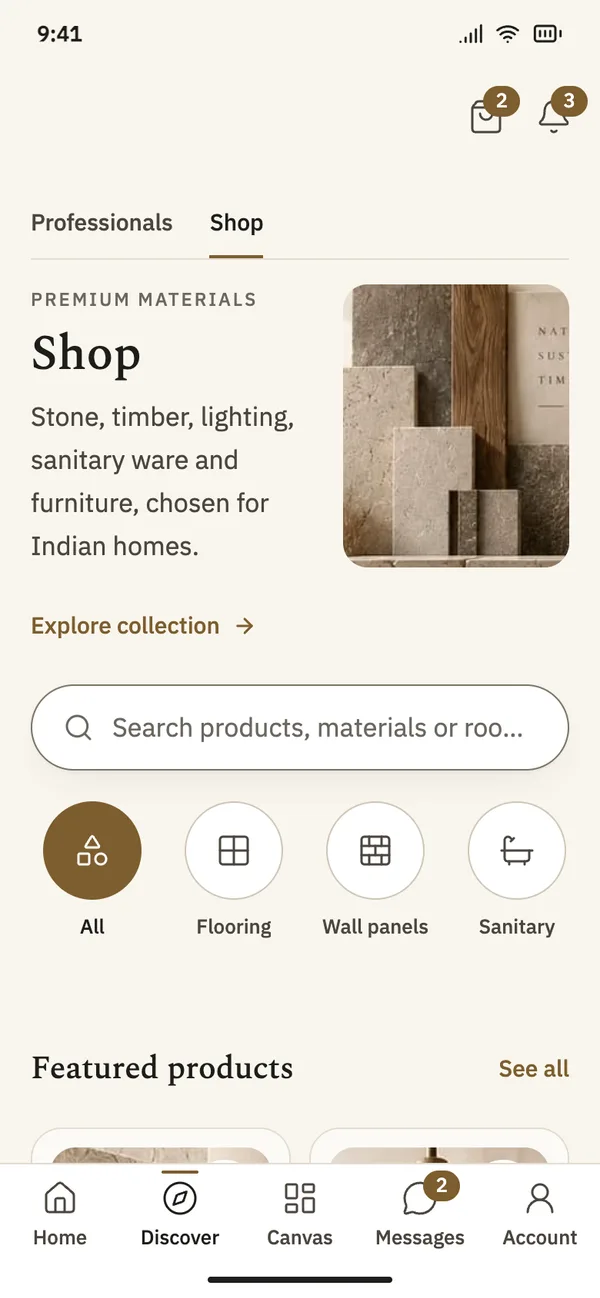
Shop
Materials and furniture chosen for Indian homes.
Stone, timber, lighting, sanitary ware and furniture, picked by Tatva. Browse by category and style, and keep pieces on the board for the room.
Browse by category
Flooring, wall panels, lighting, sanitary ware, furniture and decor.
Filter by style
Contemporary, minimalist and more, the same styles as Canvas.
Save to a board
Keep a product next to the ideas for the same room.
Made by Tatva
Some pieces are made by Tatva to your measurements.
How verification works
What our team checks before a professional appears.
A professional cannot show up in search, in Canvas or in a conversation until Tatva has checked them.
Identity
A government photo ID. An Aadhaar card must be a masked copy.
Business
A document that shows the business is real.
References
Two people the professional has worked with.
Their work
Photos from at least one real project. Photos are checked before they show in Canvas.
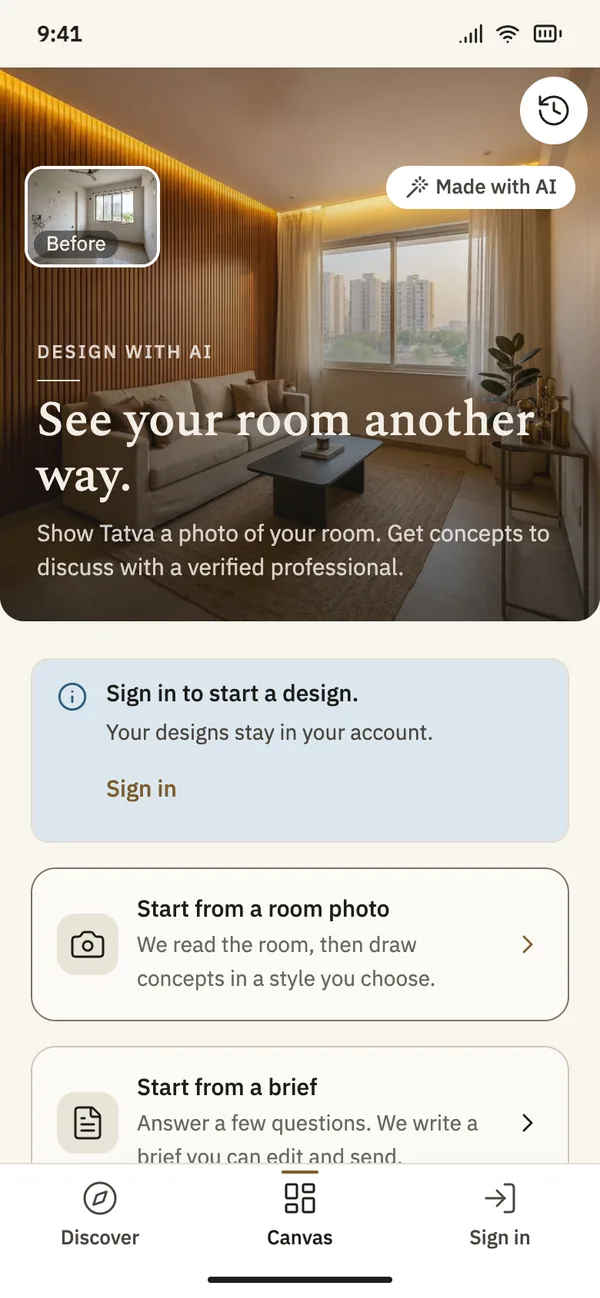
AI design, coming later
See your room another way.
After launch, the app will let you show Tatva a photo of your room and get design concepts to talk through with a verified professional. It is not part of the first version of the app.
Concepts, not drawings
A concept helps you talk about a direction. It is not a measured drawing.
No prices
AI does not estimate what the work will cost. A professional does that.
Always labelled
Every AI image carries a “Made with AI” tag, and AI images never appear in Canvas.
Only if you agree
Nothing is made from your photos until you agree, and you can withdraw that at any time.
For professionals
Show your work to people planning their homes.
Tatva is for architects, interior designers, contractors and trades. Get verified, put your finished projects on your profile and talk to homeowners who found you through your work.
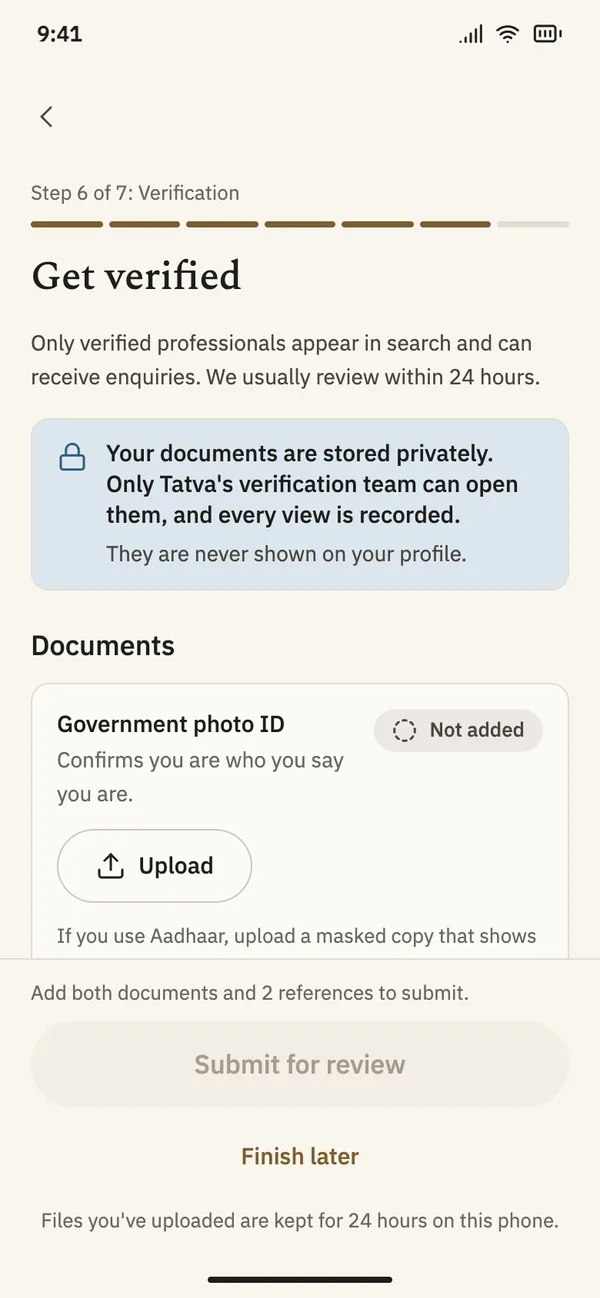
Get verified in the app
Upload your documents and references from your phone. Our team reviews them and tells you if anything is missing.
Your work in Canvas
Tag your project photos by room and style, and they can appear in Canvas with your name on them.
Enquiries with context
Homeowners write to you from your profile or your work, sometimes with a board attached.
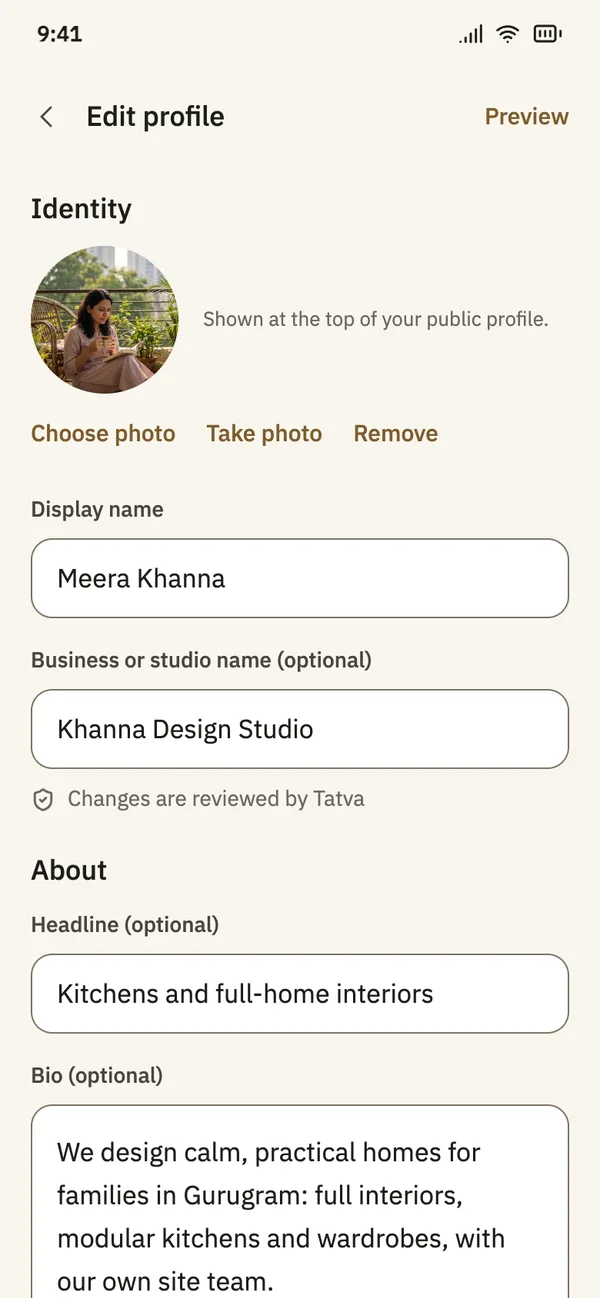
A profile you control
Your headline, bio, areas and team, edited in the app.